
Before you start
You need:
- A Jira Cloud site, and admin rights on it to install apps. Once installed, anyone who can see an issue can give kudos on it.
1. Install the app
- Open the Kudos listing on the Atlassian Marketplace and select Get it now.
- Choose the Jira site to install it on.
- Review the permissions and confirm.
You can also install it from inside Jira: open Settings (the gear icon), go to Apps and search for "Kudos".
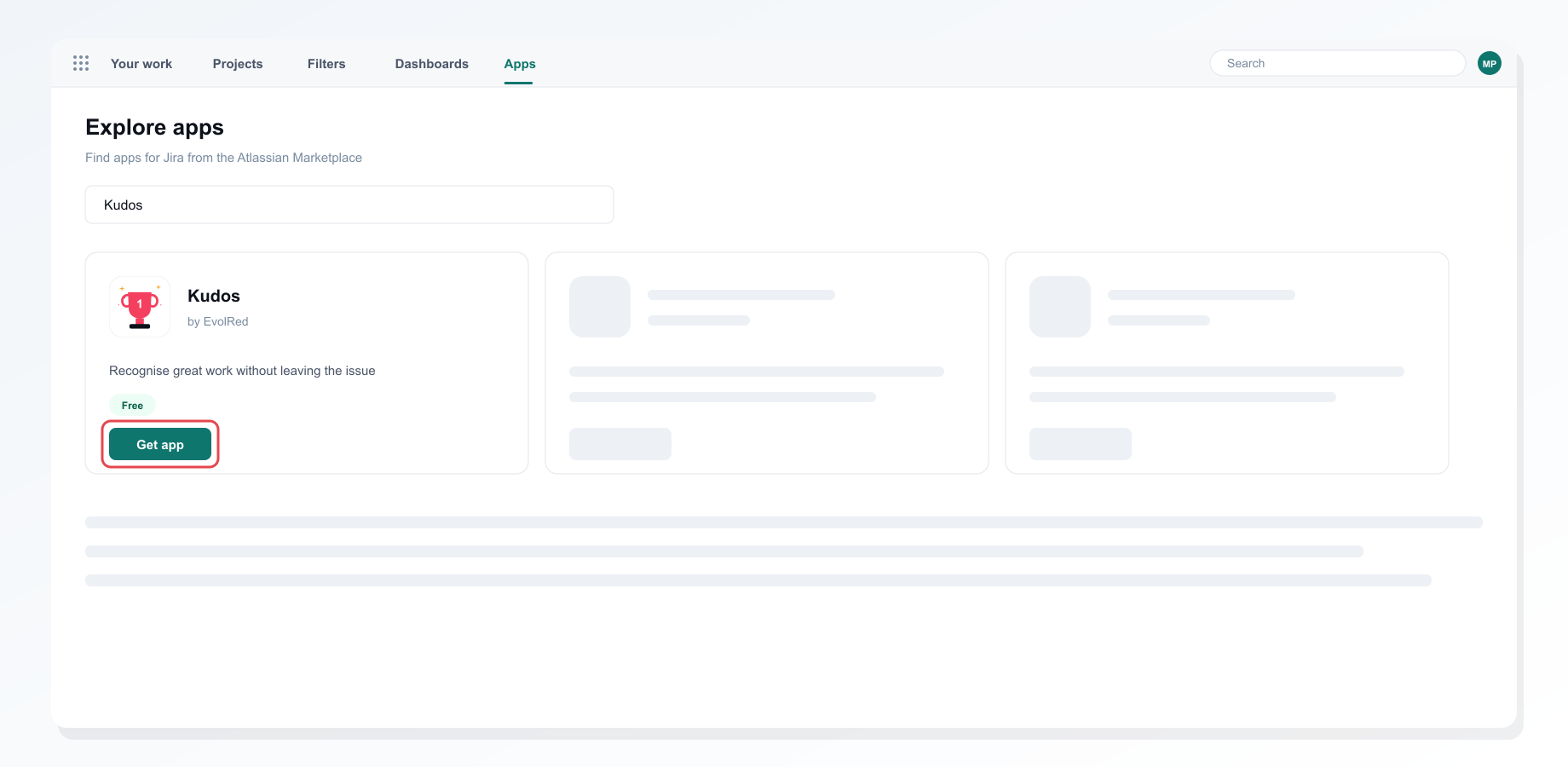 Installing Kudos from the Apps screen in Jira
The app asks for read access to issues, users and sprints. It stores each kudos with the names of the giver and the recipient. Every week it checks those accounts with Atlassian and anonymises kudos from closed accounts.
2. Give kudos on an issue
Open an issue and select the Kudos button under the summary. Choose one of five kinds: Great work, Clever solution, Saved the day, Fast turnaround or Great collab. The kudos goes to the assignee; if the issue has nobody assigned, pick a teammate from the list.
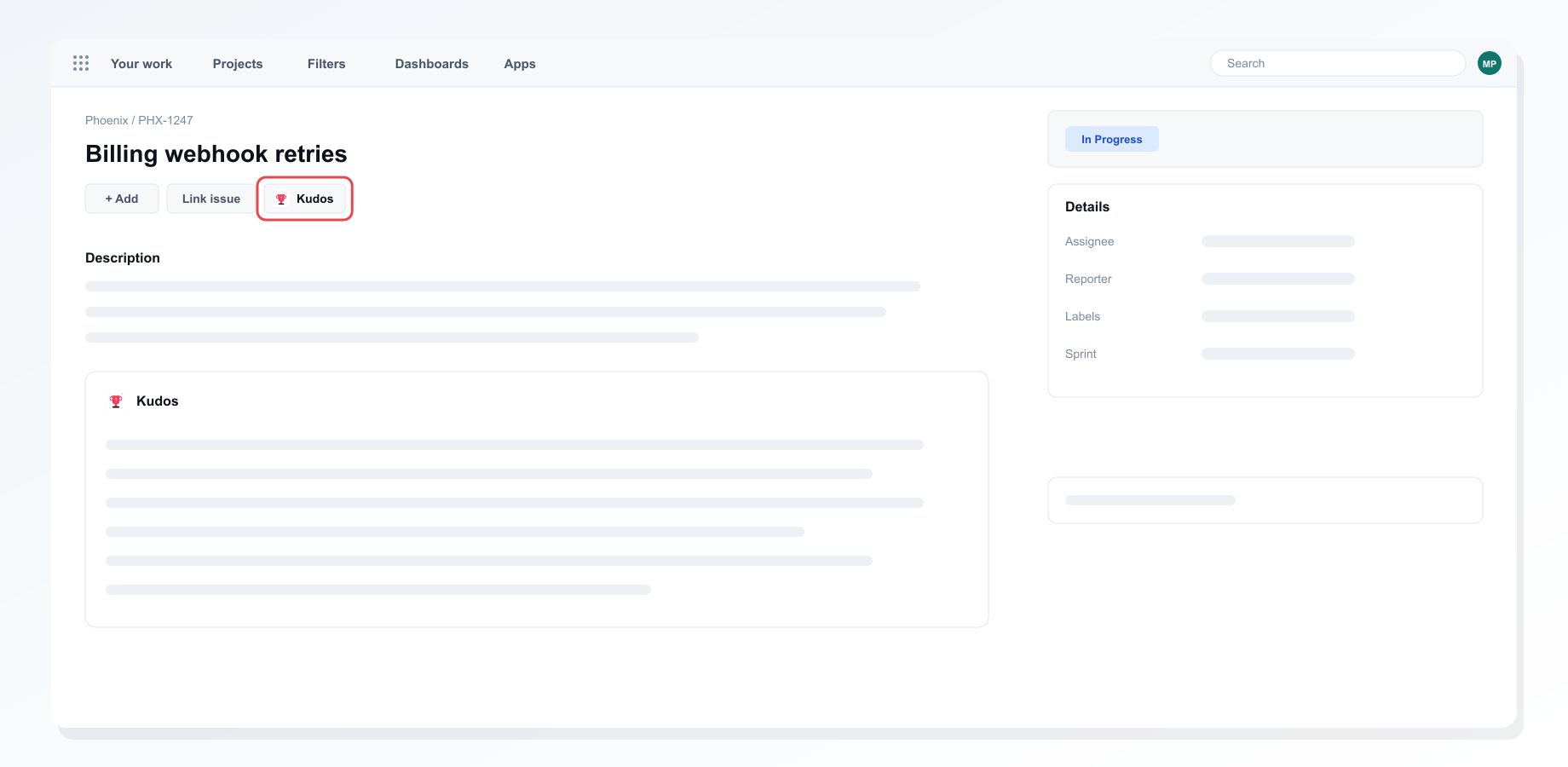 The Kudos button on an issue
3. See what was given
The panel shows the kudos already given on the issue and by whom. You can take back your own kudos. Two rules keep it fair: no kudos to yourself, and one kudos per person per issue.
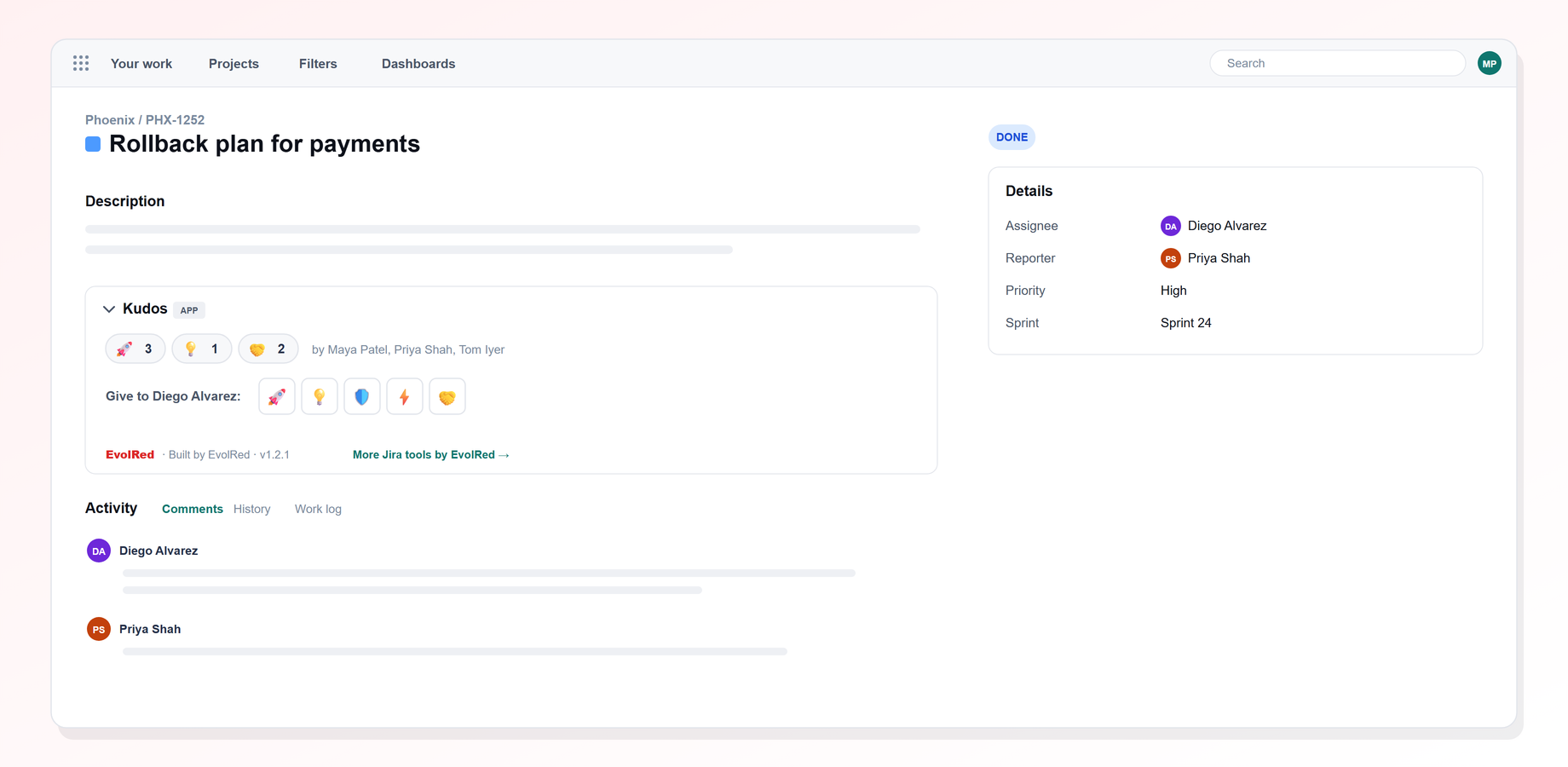 Kudos on an issue
4. Open the leaderboard
Open the Kudos Leaderboard tab in your project. It ranks who was recognised in a sprint, with a count for each kind of kudos. Use the selector to look back at earlier sprints. Kanban projects without sprints are grouped by calendar month.
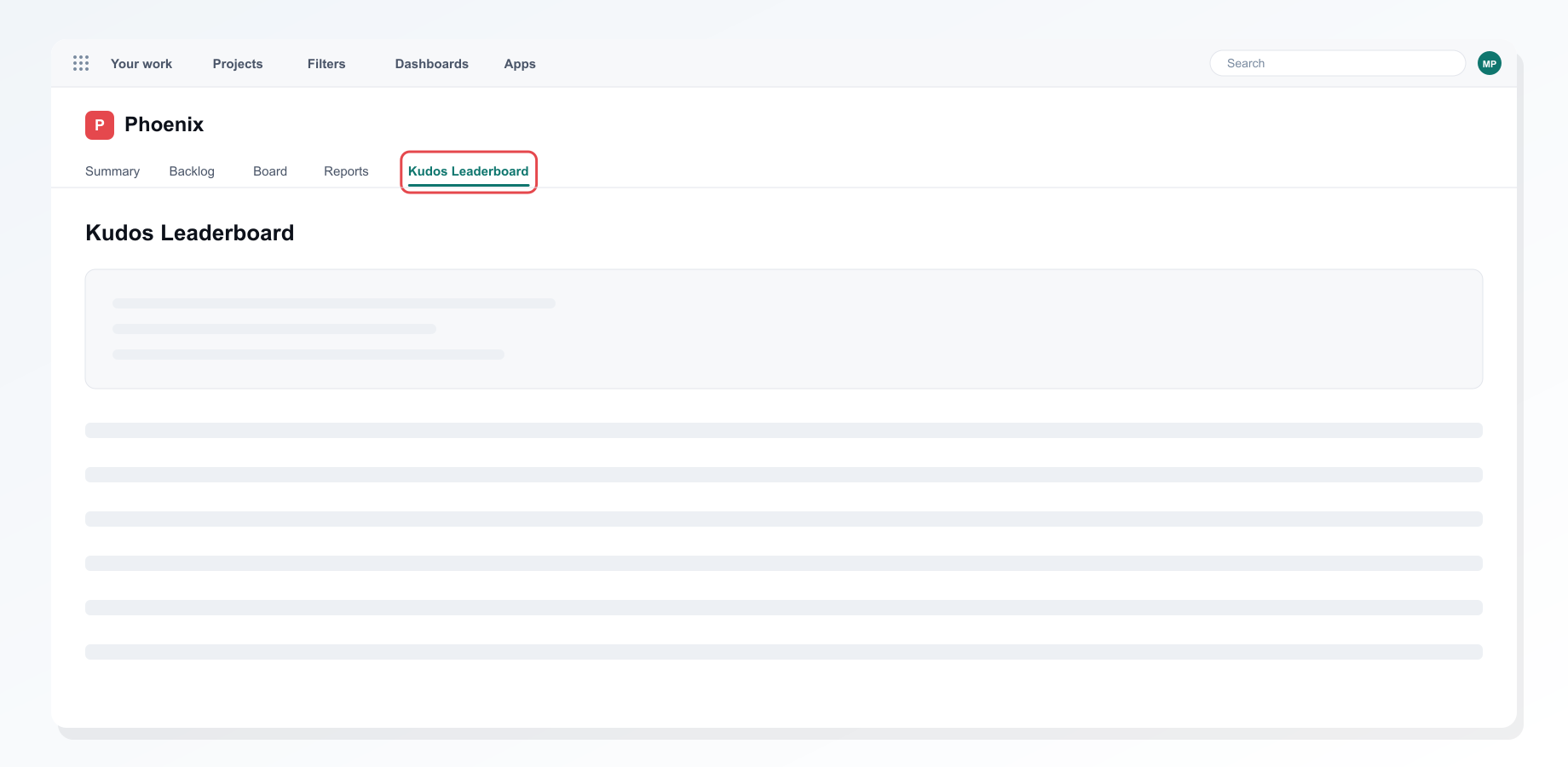 The Kudos Leaderboard tab in the project navigation
5. Look back at your own
The My Kudos tab on the leaderboard lists the kudos you received.
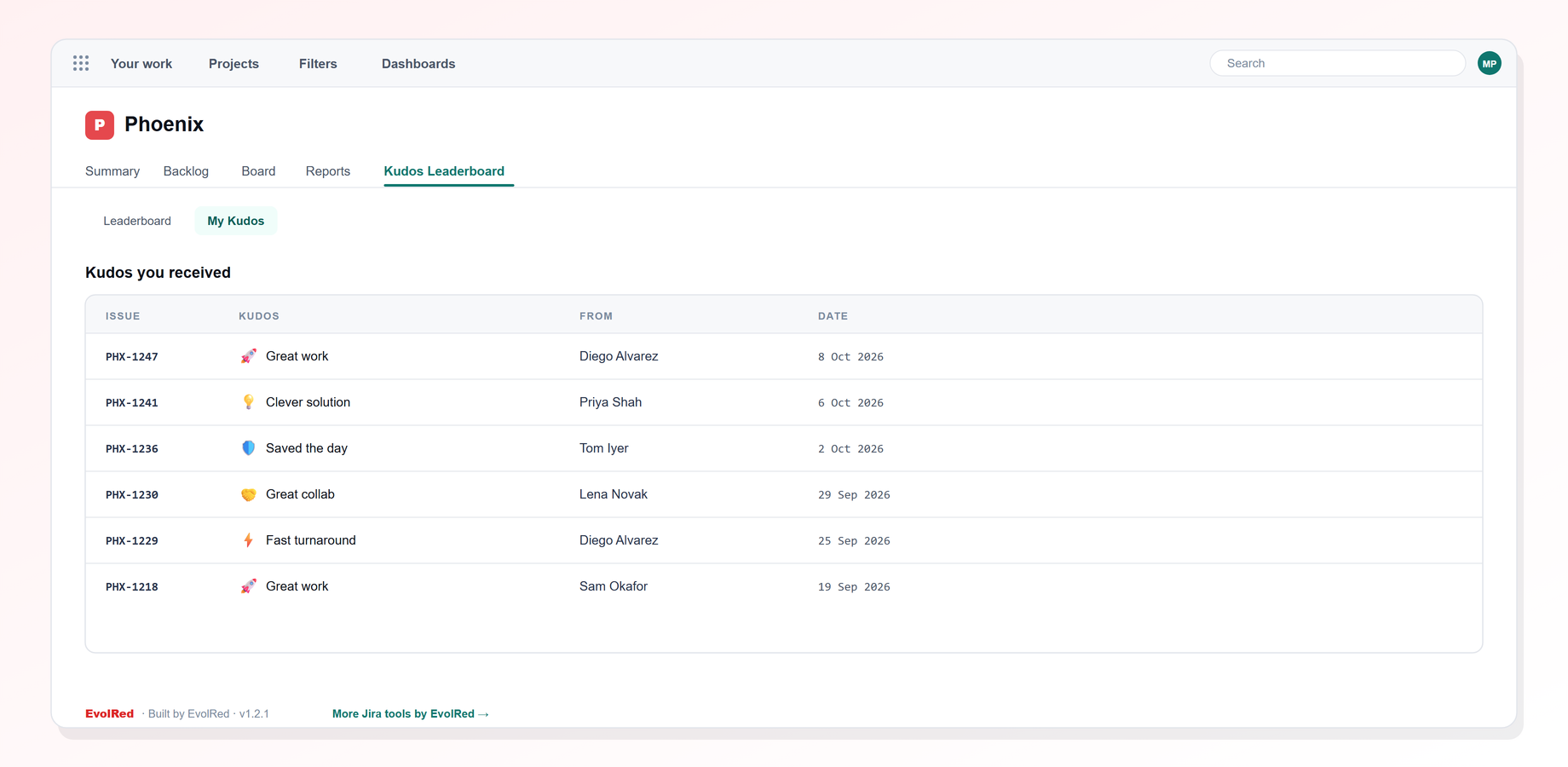 The kudos you received
Troubleshooting
I can't give kudos on my own issue. Kudos to yourself are not allowed. They go to someone else on the team.
The button is greyed out. You already gave kudos on this issue. Take it back first if you want to give a different kind.
Uninstalling
Remove the app from Connected apps in Atlassian Administration (admin.atlassian.com). The kudos history is deleted with the app.
Still stuck?
Tell us what you tried and what you saw. We reply within our published support times.