Before you start
You need:
- A Jira Cloud site, and admin rights on it to install apps.
- Project admin rights on each project where you want reminders. Field Nudge does nothing in a project until it is turned on there.
1. Install the app
- Open the Field Nudge listing on the Atlassian Marketplace and select Get it now.
- Choose the Jira site to install it on.
- Review the permissions and confirm.
You can also install it from inside Jira: open Settings (the gear icon), go to Apps and search for "Field Nudge".
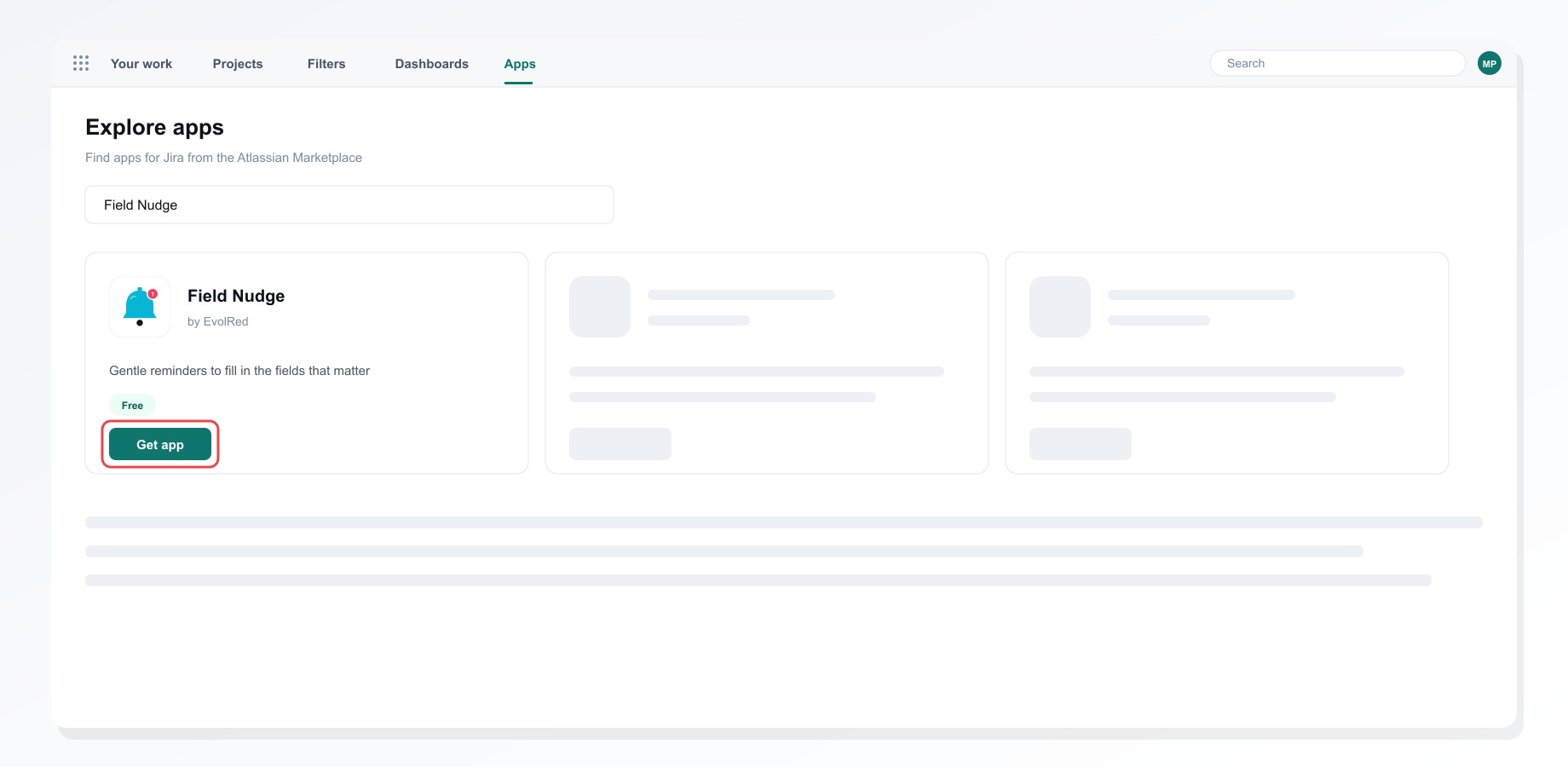 Installing Field Nudge from the Apps screen in Jira
The app asks for read access to issues and permission to send Jira notifications. It stores each project's settings and when it last reminded someone about each issue. It stores no personal data.
2. Turn it on for a project
Go to Project settings and open Field Reminder Settings. Turn reminders on for the project.
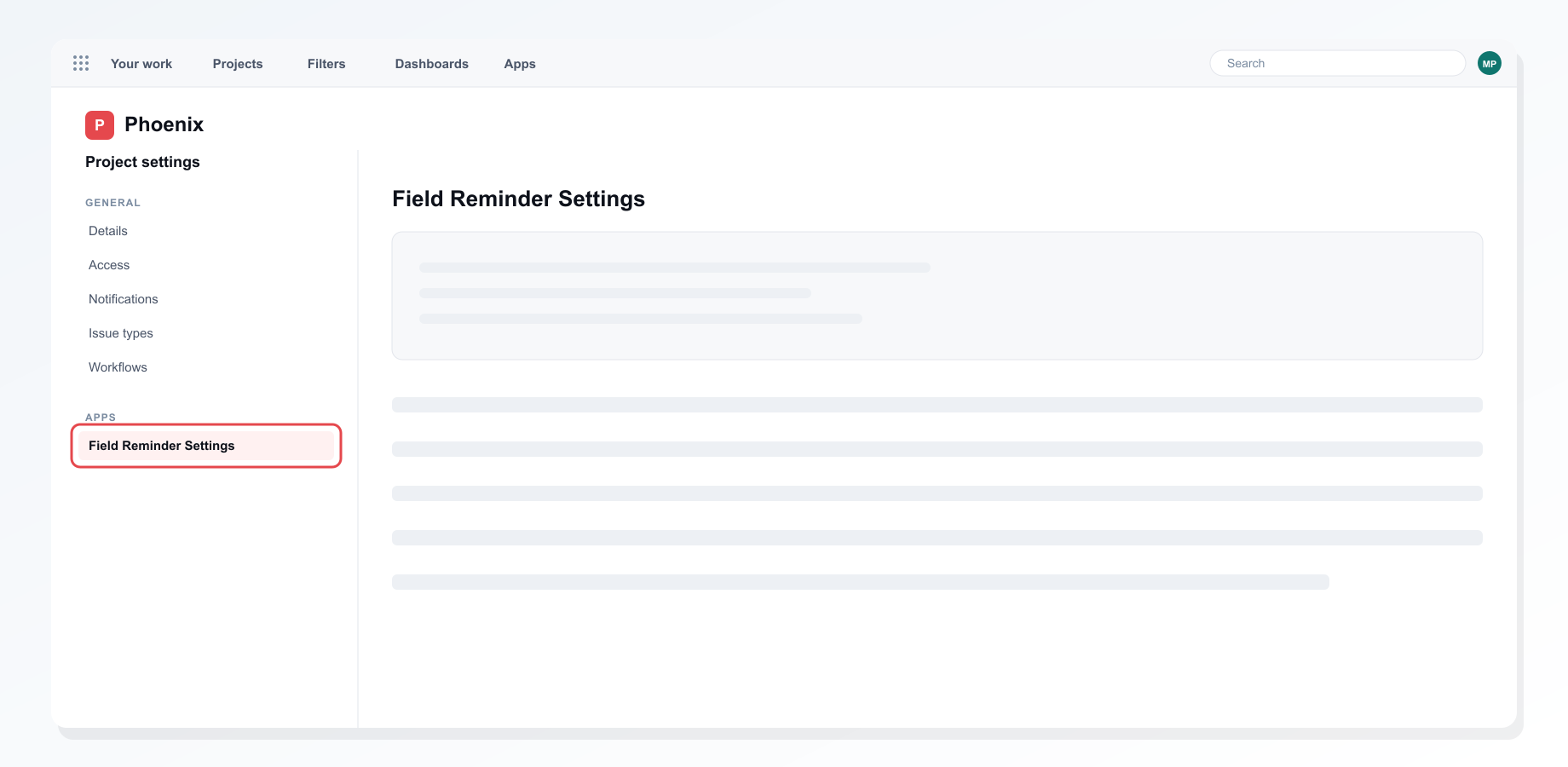 Field Reminder Settings in project settings
3. Choose the rules
Switch on the rules that matter to the team, and set how many hours to wait before reminding about the same issue again.
| Rule | Applies to | Reminds after |
|---|---|---|
| Story points | Stories | 2 hours |
| Description | Stories, bugs, tasks | 1 hour |
| Assignee | Stories, bugs, tasks, epics | 30 minutes |
| Due date | Stories, tasks | 4 hours |
The timings are fixed; you choose which rules are on.
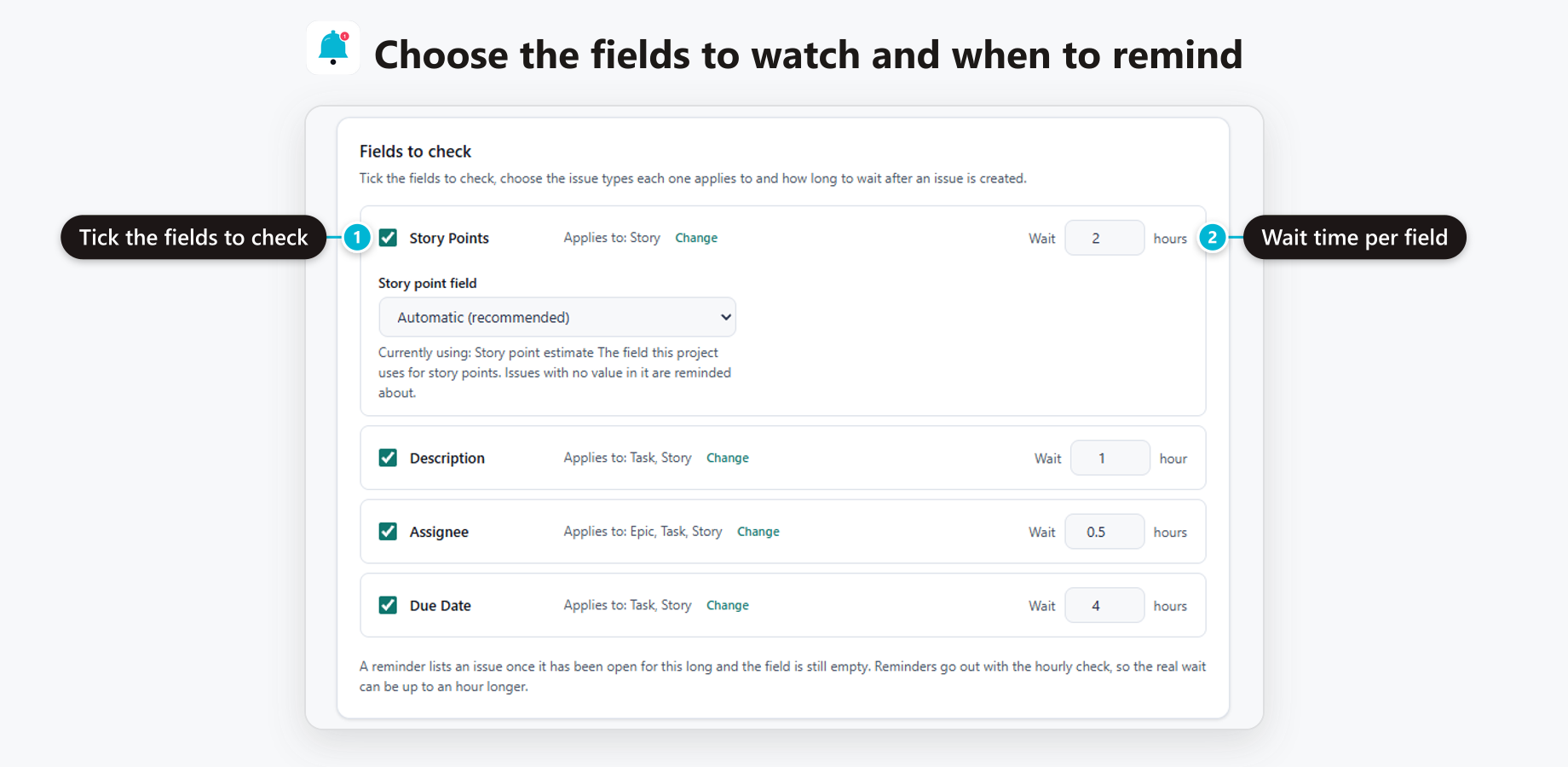 Choosing the fields and the reminder cooldown
4. Check an issue
On any issue, select the Required Fields button under the summary. The panel shows each monitored field as complete or missing, and when the last reminder went out.
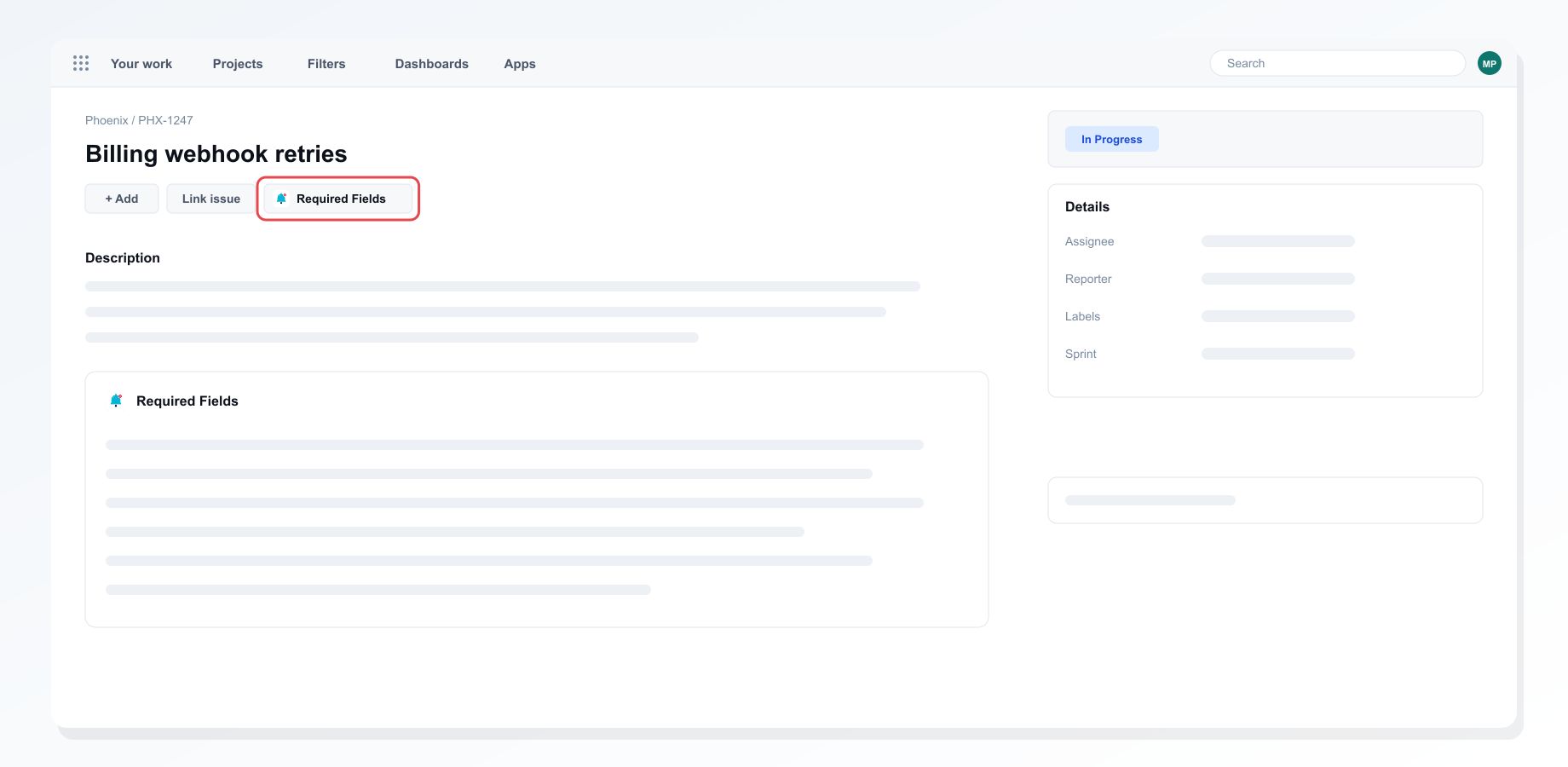 The Required Fields button on an issue
5. Let the reminders run
Every hour, Field Nudge checks open issues in the projects where it is on and sends a Jira notification to the right person when a field is still empty. Whether that notification also arrives by email follows each person's own Jira notification settings.
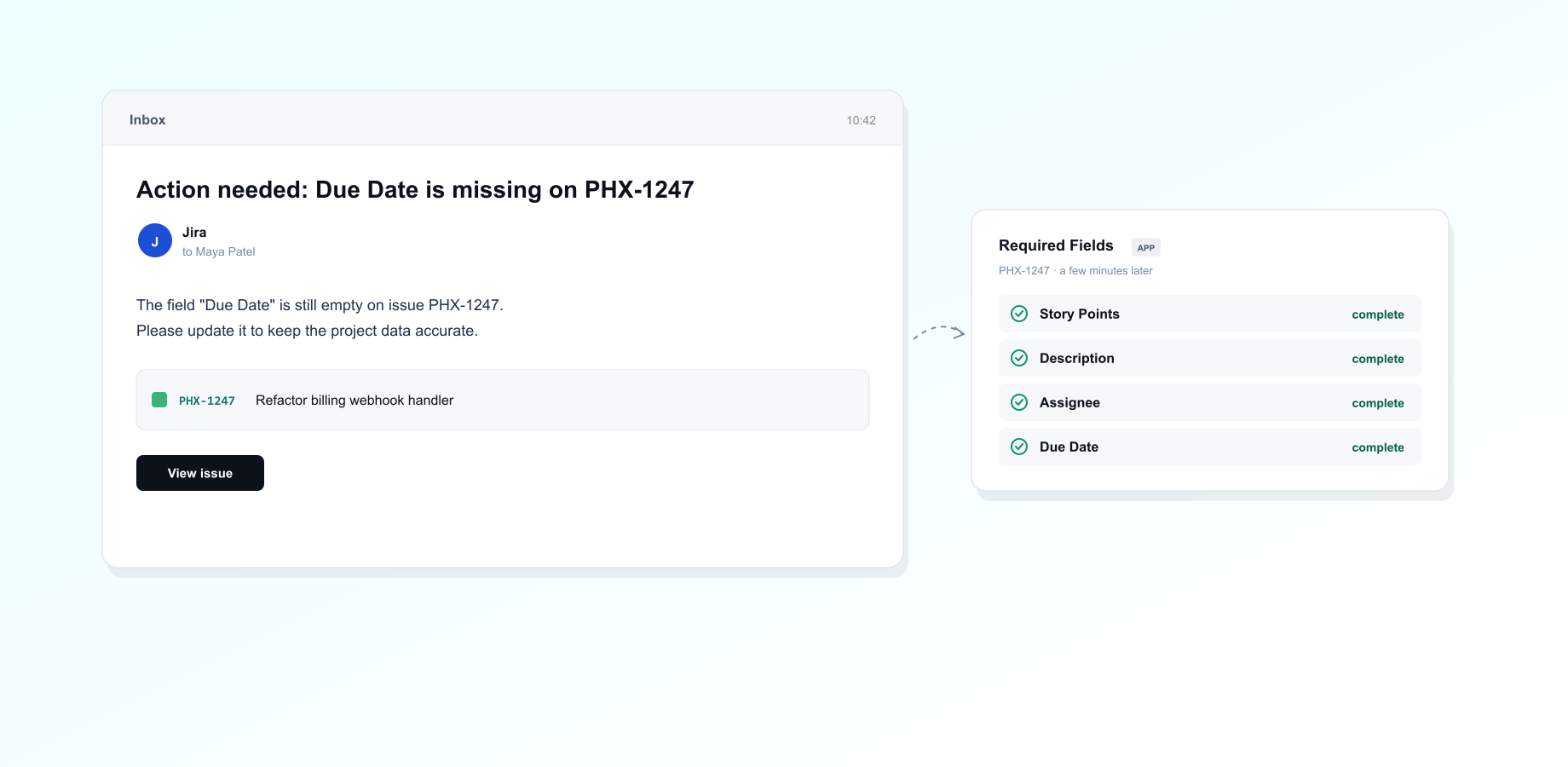 A reminder for a missing field
Troubleshooting
Nobody gets reminders. Check that reminders are on in Field Reminder Settings for that project and that at least one rule is enabled. The first reminders go out on the next hourly check.
People get the reminder in Jira but not by email. Email follows each person's Jira notification preferences. They can turn email on in their Jira profile.
The same person is reminded too often. Raise the cooldown in Field Reminder Settings.
Uninstalling
Remove the app from Connected apps in Atlassian Administration (admin.atlassian.com). The project settings and reminder history are deleted with the app.
Still stuck?
Tell us what you tried and what you saw. We reply within our published support times.