Before you start
You need:
- A Jira Cloud site, and admin rights on it to install apps.
- Project admin rights to change a project's rules. Everyone else sees the scores.
1. Install the app
- Open the Issue Health listing on the Atlassian Marketplace and select Get it now.
- Choose the Jira site to install it on.
- Review the permissions and confirm.
You can also install it from inside Jira: open Settings (the gear icon), go to Apps and search for "Issue Health".
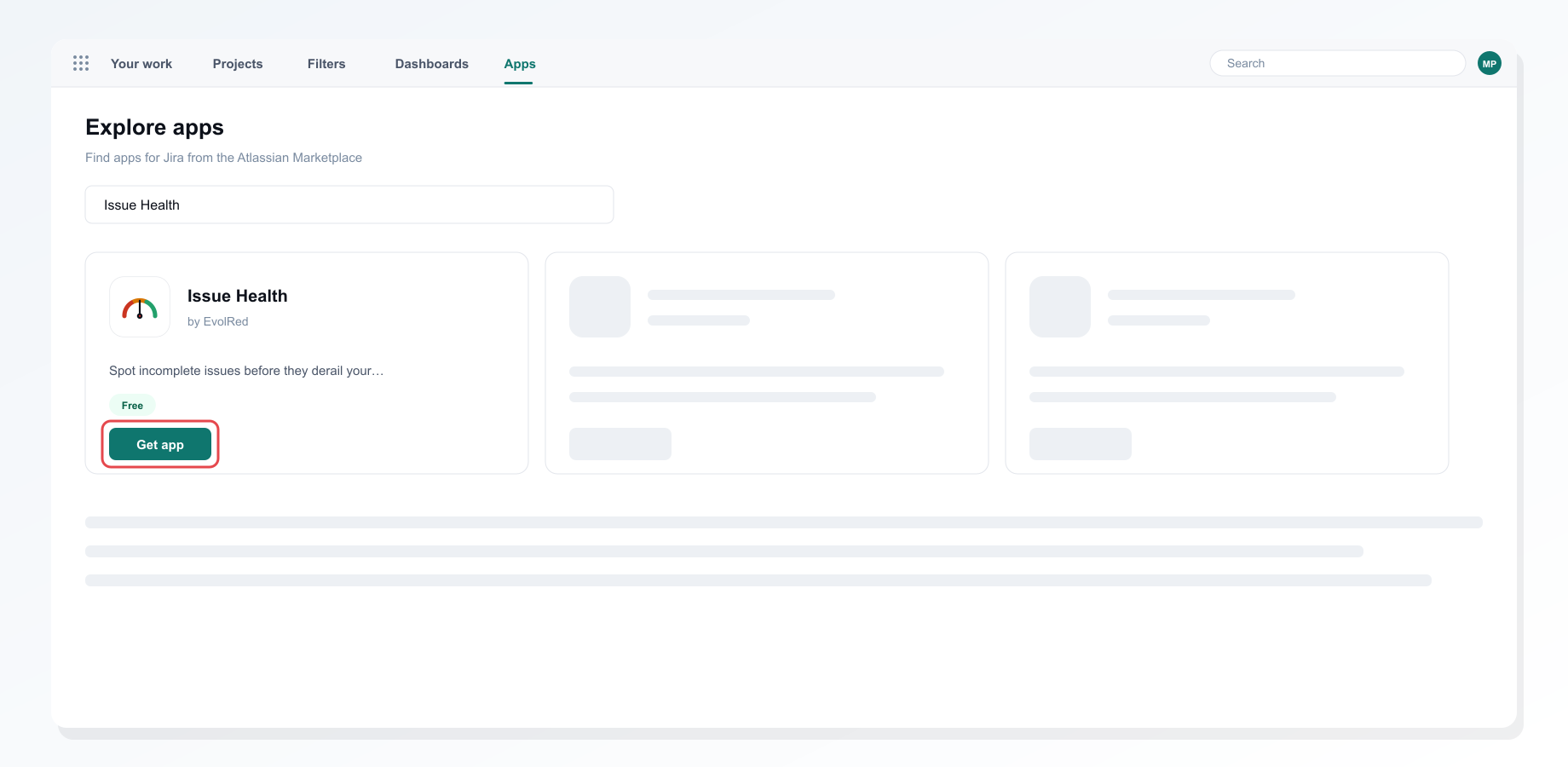 Installing Issue Health from the Apps screen in Jira
The app asks for read access to issues and projects. It stores only each project's rule settings.
2. Read the score on an issue
Open any open issue. In the right-hand sidebar, open Health Score. You see a score from 0 to 100, a label, and a card for each rule the issue fails, so the next step is obvious.
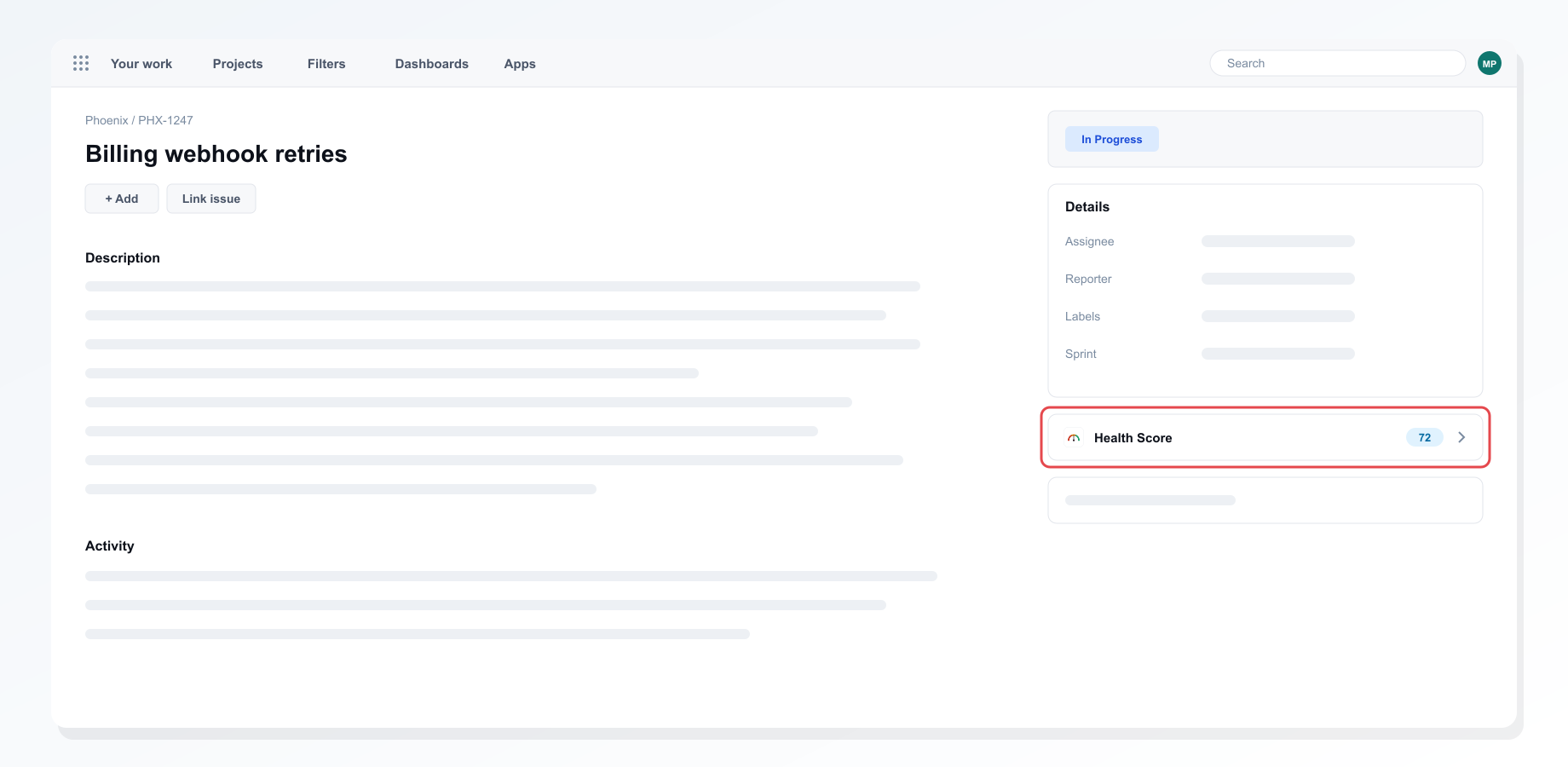 The Health Score section in the issue sidebar
3. Understand the score
Every issue starts at 100, and each rule that applies takes points off:
| Rule | Points |
|---|---|
| Past due date | 40 |
| Unresolved blockers | 35 |
| No updates recently (7 days by default) | 30 |
| No assignee | 25 |
| Missing or short description | 20 |
| Story without story points | 15 |
70 and above is Healthy, 40 to 69 is At risk, and below 40 is Critical. Resolved issues and issues less than a day old are not scored.
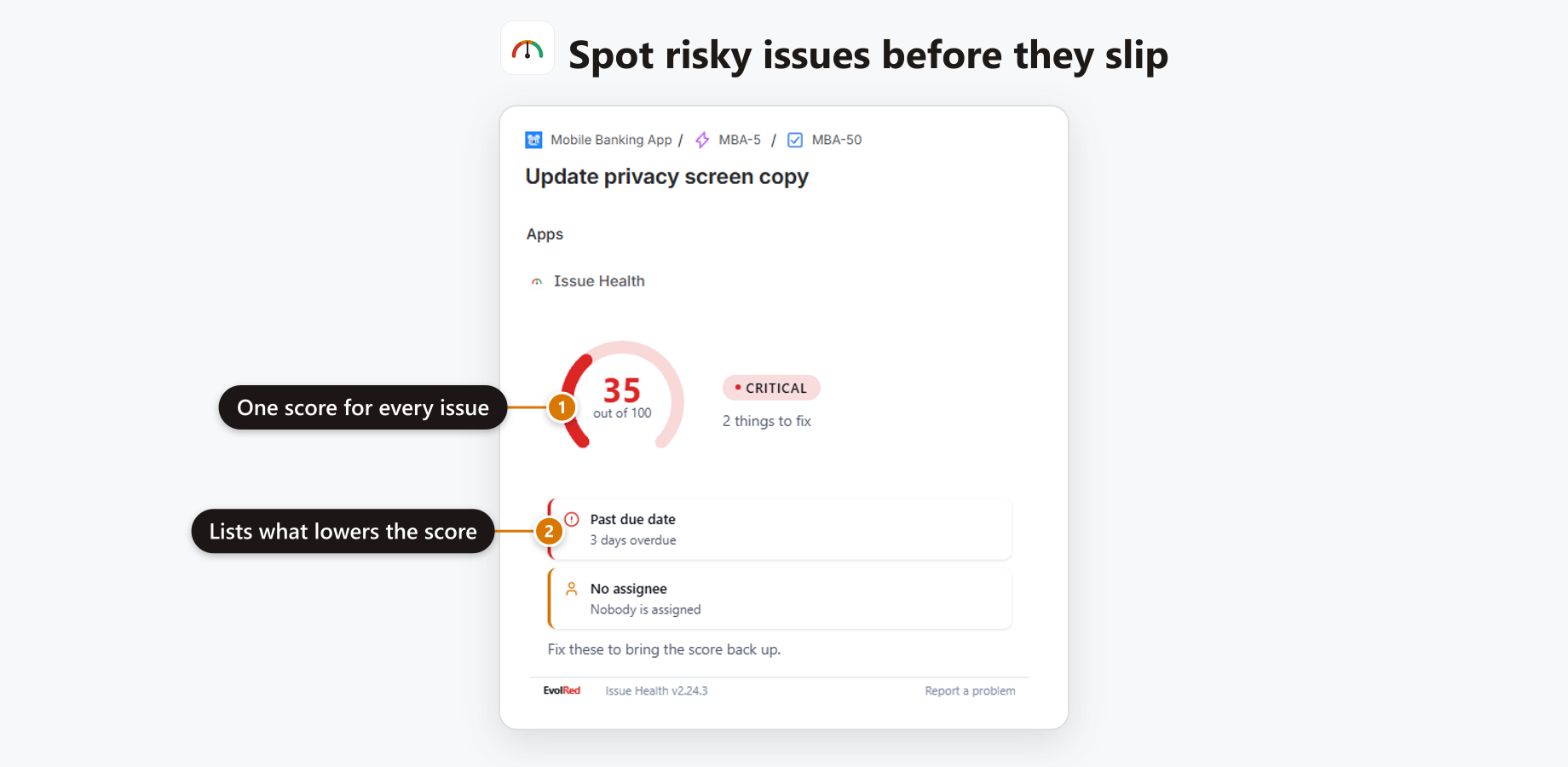 A health score with the rules that fired
4. Tune the rules for your project
Go to Project settings and open Health Score Settings. Turn rules on or off, and set how many days count as stale and the minimum description length.
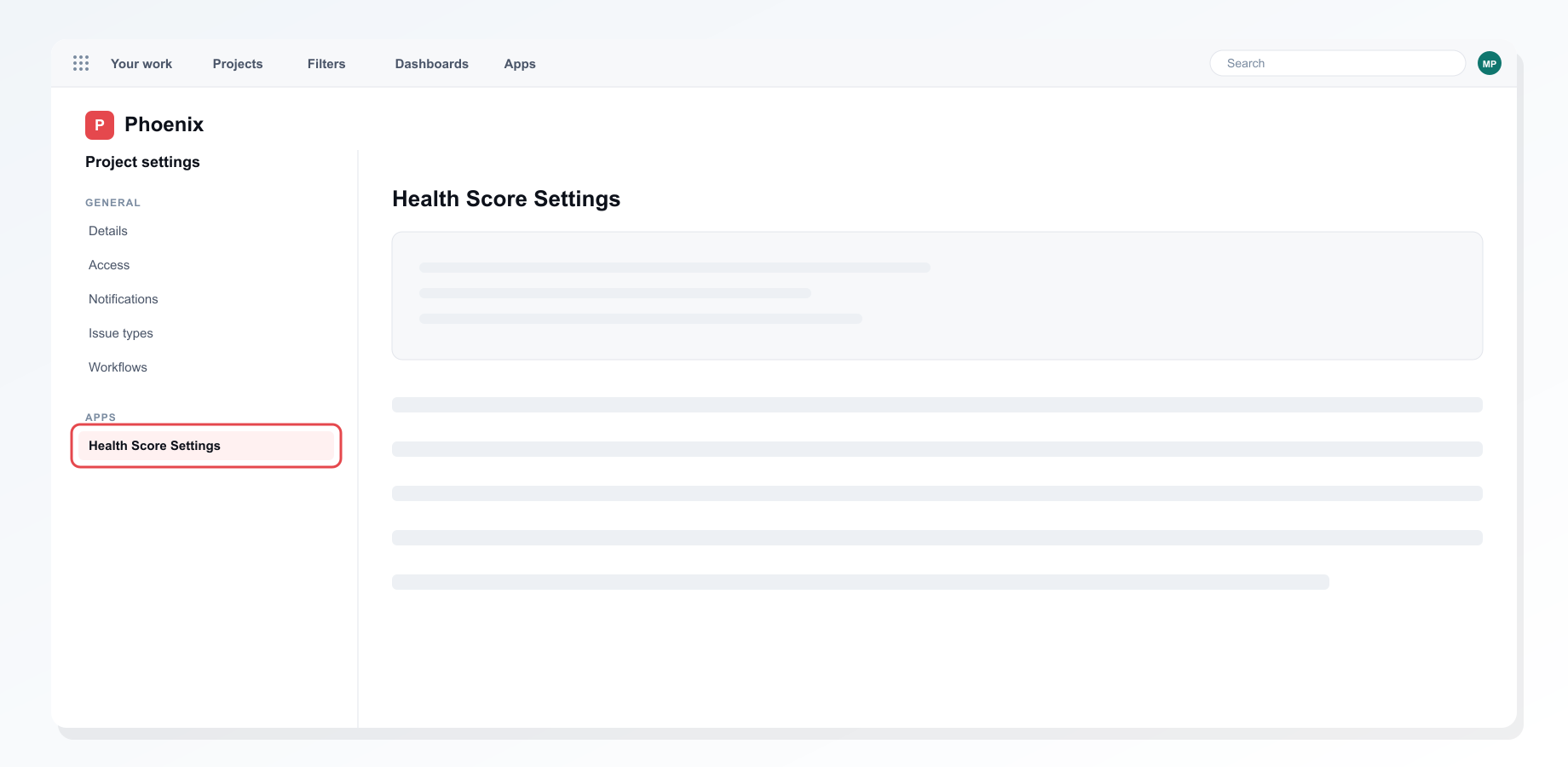 Health Score Settings in project settings
5. Add the project dashboard
Open a Jira dashboard, choose to add a widget and pick Health Score Overview. Point it at a project, the active sprint or your own JQL to see the healthy, at-risk and critical split, the average score and the issues that need attention.
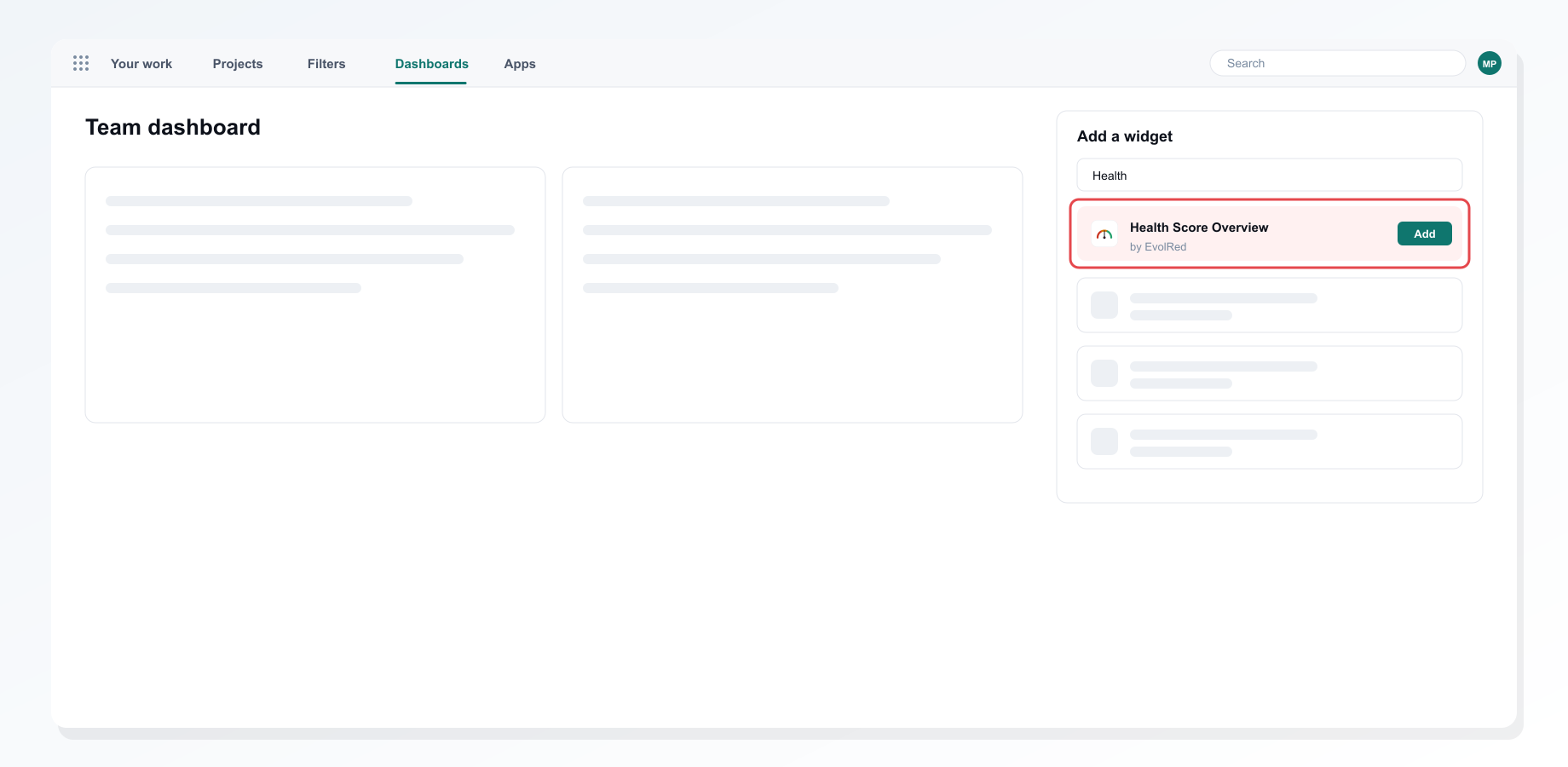 Adding the Health Score Overview widget to a dashboard
Troubleshooting
An issue shows no score. Resolved issues and issues created in the last 24 hours are not scored.
Every story is flagged for story points. Turn the story points rule off in Health Score Settings if your team does not estimate.
I can't change the rules. Changing rules needs project admin rights on that project.
Uninstalling
Remove the app from Connected apps in Atlassian Administration (admin.atlassian.com). The rule settings are deleted with the app.
Still stuck?
Tell us what you tried and what you saw. We reply within our published support times.